How to Add Streaming to a Hi-Fi You Already Own
A streamer can give an older amplifier access to Spotify, AirPlay and high-resolution files. Here is what to check before you buy one.
Affiliate disclosure: This guide contains no active affiliate links.
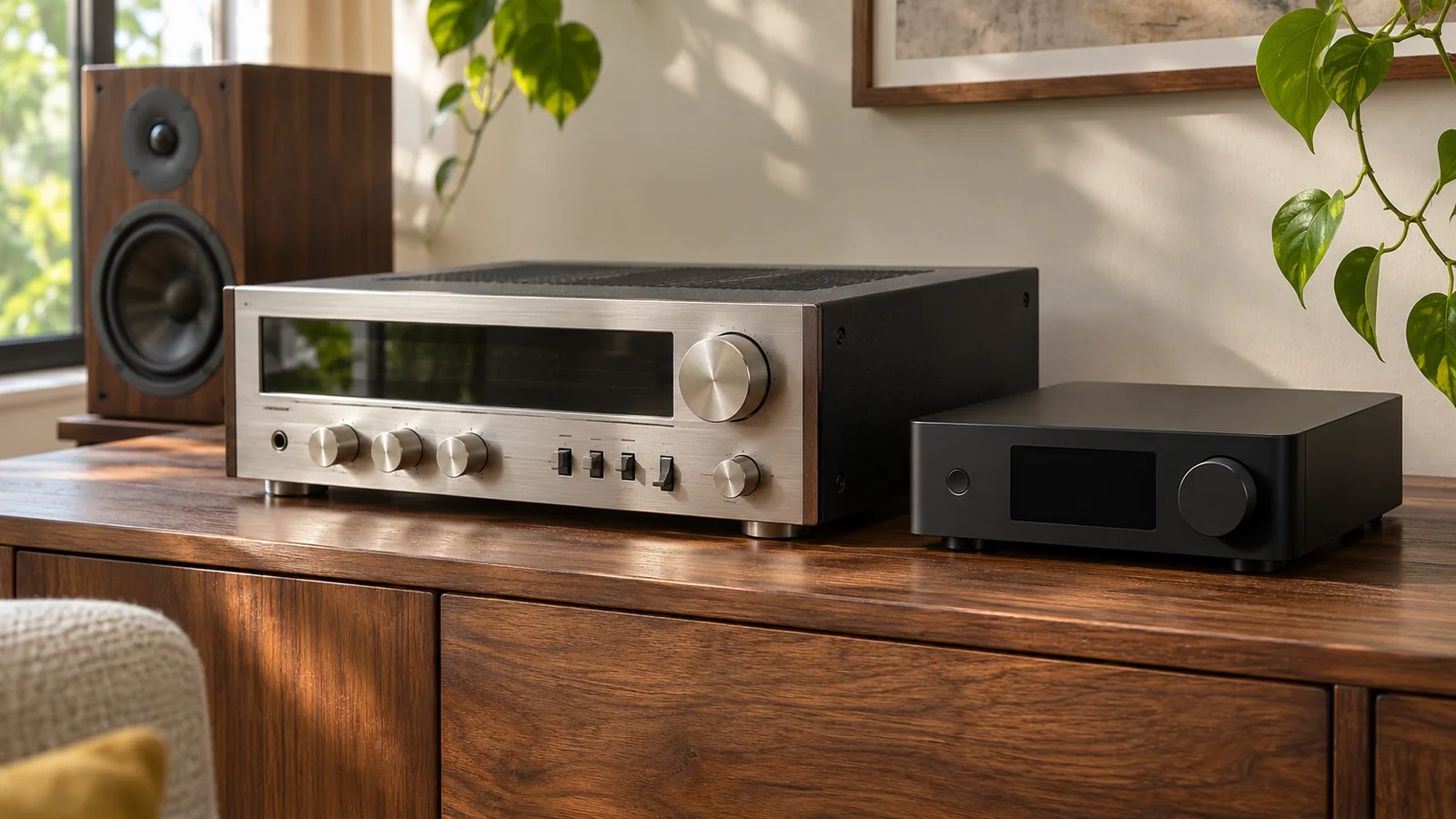
The short version
- A streamer is a source, not an amplifier; passive speakers still need amplification.
- Match the streamer output to a free input on your amplifier before comparing features.
- AirPlay 2 support varies by model; check the exact model list if Apple devices matter.
- Optical inputs often accept stereo PCM only, so check the TV setting before blaming the streamer.
You already have an amplifier and a pair of speakers you like. What you do not have is a way to play music from a phone, a laptop or a streaming service through them without plugging in a cable. That is the job a network streamer is built for, and it is a much smaller job than buying a whole new system.
The confusing part is the shopping. Product pages mix streamers, integrated amplifiers, DACs and speakers into one category, then lead with features that matter less than the connections on the back. This guide works from the connections outward: what the box does, what it plugs into, and which claims need checking before you spend.
What a streamer actually does
A streamer connects to your network, receives audio from a streaming service or a local file, and sends that audio to something that can amplify it. It is a source, in the same way a CD player or a turntable is a source.
It does not power passive speakers. If your system is an integrated amplifier with speakers attached, the streamer goes into one of the amplifier's inputs. If you use powered speakers, the streamer goes into the speakers. If you have neither, a streamer alone will not make sound.
That distinction matters because a streamer is often sold next to all-in-one boxes that include amplification. The all-in-one is not automatically better; it is a different purchase. Replacing an amplifier you like usually costs more than adding a source to it.
Start with the inputs you already have
Before comparing streamers, write down the free inputs on your amplifier. Most have RCA line inputs, and some have optical or coaxial digital inputs. The streamer has to match one of them.
- RCA line output is the safe, universal option. It uses the streamer's own digital-to-analogue converter and sends an analogue signal to the amplifier.
- Optical or coaxial output sends a digital signal to the amplifier's own converter. This can be useful if your amplifier has a better converter, or if you want to avoid an extra analogue stage.
- USB output is less common on streamers and usually aimed at external DACs. Check that the output is supported for the service and file format you plan to use.
The mistake to avoid is buying a streamer with only digital outputs when your amplifier only has RCA inputs. Adapters exist, but they add another box and another failure point. Matching the output to the input is the cheapest decision you will make.
AirPlay, Chromecast and the model list
If you use an iPhone, AirPlay support can look like a checkbox on every product page. In practice it is model-specific, and the name of the product is not enough to confirm it.
WiiM, for example, publishes a list of which of its devices support AirPlay 2. The WiiM Pro appears on that list; the WiiM Ultra does not. That does not make the Ultra a worse streamer, but it does mean a buyer who assumes every WiiM model works the same way can end up with a feature they expected and did not get.
The same caution applies to Chromecast, Spotify Connect and Tidal Connect. Check the exact model, not the brand, and check it on the manufacturer's support page rather than a retailer's bullet list.
The optical input trap
Connecting a television is a common reason to buy a streamer, and it is also where a lot of returns come from.
On the WiiM Pro, the optical input accepts stereo PCM. WiiM's own support documentation states that Dolby Digital, Dolby Atmos and DTS are not supported through that input. If the television is set to output a surround format, the streamer may receive silence or an error rather than downmixed stereo.
The fix is usually a television setting, not a new streamer. Before blaming the hardware, set the TV's digital audio output to PCM and test again. If you need surround sound, a streamer with a stereo optical input is the wrong tool for that job.
Network, app and daily use
A streamer lives on your network, so the network matters. Wi-Fi is convenient, but a wired Ethernet connection is more stable if the audio rack is near a router or a switch. It also removes one variable when the app cannot find the device.
The app is part of the product. It handles setup, firmware updates, input switching and browsing. A streamer with a good app is pleasant to live with; one with a poor app becomes a box you stop using. Look for recent reviews of the app, not just the hardware, and check whether the app requires an account.
A physical remote or a front-panel screen can reduce how often you need the phone. That is a real convenience, but it is not a substitute for checking the connections first.
Who should add a streamer, and who should not
A streamer makes sense if you already have an amplifier and speakers you like, you want access to streaming services or local files, and you are willing to check one compatibility list before buying.
It makes less sense if you have no amplification or speakers yet, if you need surround sound, or if you want one box that does everything including powering the speakers. In those cases, an integrated amplifier with streaming built in, or a powered speaker pair with streaming, is a simpler purchase.
Before you buy
Confirm four things: the streamer's output matches a free input on your amplifier; the streaming services you use are supported in your country; the exact model has the features you need, including AirPlay if it matters; and the return policy is workable if the app or the network setup does not cooperate.
Everything else, including the DAC chip and the number of supported file formats, is secondary to those four checks. A streamer that fits your system and works with your services will be used every day. One that does not will sit in a drawer, whatever its specification sheet says.
Sources
- WiiM Pro and Pro Plus product overview — Outputs, inputs and model positioning
- WiiM support: devices supporting AirPlay 2 — Checked to confirm model-level AirPlay support
- WiiM support: audio inputs on the Pro and Pro Plus — Optical input accepts stereo PCM; surround formats are not supported
Keep reading
Portable Power Stations: What Wh and W Actually Tell You
A 2,000 Wh battery is not a 2,000 W appliance. A practical comparison of small and large stations, and the maths that decides which one you need.
Choosing a Robot Vacuum for Hard Floors and Rugs
Suction is the easiest number to advertise and the least useful one to compare. Start with clearance, dock space and how the mop handles a rug.